


Hitachi SPX-WDC8 On/Off Status and Alarm Signal Cord for airHome
The genuine cord that sends an airHome unit’s run status and alarm to an external system.
AirGreen codeAG-AC-052
514 316-2973 · sales@airgreen.ca
Quick facts
The SPX-WDC8 is the accessory Hitachi calls “ON/OFF Status and Alarm Signal”: a cord that sends the run status and alarm of an airHome indoor unit to an external system. It appears on the submittal sheets for the entire lineup, from wall-mounted units to ducted units.
The unit’s status, visible outside the room
In a server room, a store or a building managed remotely, you sometimes need to know, without going on site, whether a unit is running or in fault. Connected to a monitoring or building management system, the SPX-WDC8 gives it those two pieces of information. It is the counterpart of the SPX-WDC3, which does the opposite: it lets an external contact shut the unit off.
Units Hitachi lists it for
- airHome 400, 600 and 800 wall-mounted units.
- RAK-GJ, RAK-DJ07 and RAF-FJ multi-zone wall-mounted and console units.
- RAD-GJ ducted units and RAI-GJ mini-cassettes.
Before you order
Describe the system that will receive the signals and the number of units to monitor: we confirm the connection and plan one cord per unit. The cord is connected to the indoor unit’s board, with the power off, by a technician.
Installed by AirGreen in Greater Montréal
We connect the cord and check the signals in Montréal, Laval, Longueuil, on the South Shore and on the North Shore. RBQ licence 5645-9605-01. For availability or a quote, call us at 514 316-2973 or email sales@airgreen.ca with the number of units.
Know remotely whether the unit is running
Hitachi names the SPX-WDC8 its on/off status and alarm signal accessory.
- Reporting run status to a monitoring system
- Flagging an indoor unit alarm to a building manager
- Server rooms, stores and monitored buildings
- airHome wall, console, ducted and mini-cassette units
Specifications
From the manufacturer’s documentation. A value the manufacturer does not publish is not listed.
What to know before installing
- Tell us which system will read the signals and we validate the connection.
- One cord per indoor unit to monitor.
- The connection is on the indoor unit board: have a technician do it.
- Shut off power before the work.
You may also need
 Hitachi SPX-WDC3 Dry Contact Cord for airHome
 Hitachi PSC-6RAD H-Link Adapter for airHome Indoor Unit
 Hitachi airPoint Room H700 SPX-URFG1 Wired Remote Control for airHome
 Fujitsu Leak Detection System Accessory – UTYSGZU
 Hitachi 5-Wire Adapter for 24 V Thermostat – C3STAT01
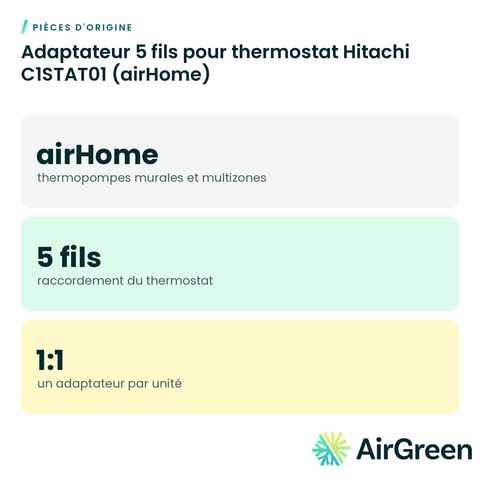 Hitachi C1STAT01 5-Wire Thermostat Adapter (airHome)
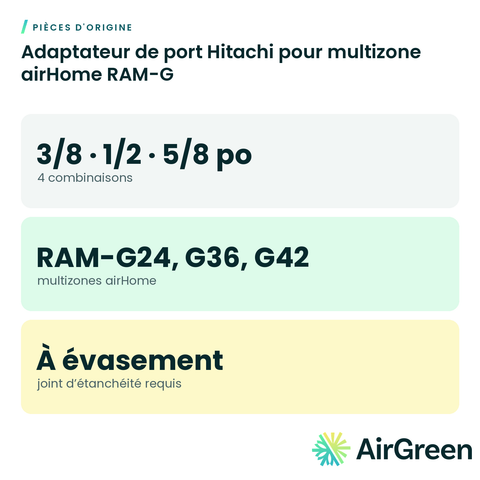 Hitachi Port Adapter for airHome RAM-G Multi-Zone
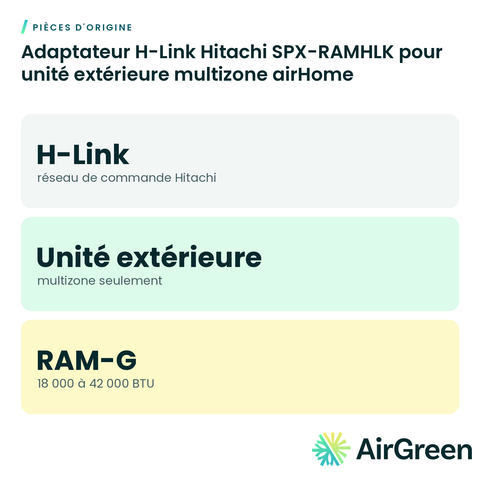 Hitachi SPX-RAMHLK H-Link Adapter for airHome Multi-Zone Outdoor Unit
Original partsSee all
Frequently asked questions
How is it different from the SPX-WDC3?
The SPX-WDC3 lets an external contact stop the unit. The SPX-WDC8 works the other way: it sends the unit’s on/off status and alarm out.
What system does it connect to?
A monitoring or management system that reads status signals. Describe your setup and we validate the connection.
Do I need one per unit?
Yes, one per indoor unit whose status you want to follow.
Can you install it?
Yes. We connect the cord, check the signals and document the wiring, everywhere in Greater Montréal.
Keep an eye on your airHome units
Tell us the size and the quantity: we confirm availability and send you a quote. Or let our technicians install it for you.
Specifications from the manufacturer’s documentation, checked on October 7, 2026.