


Hitachi SPX-RAMHLK H-Link Adapter for airHome Multi-Zone Outdoor Unit
The genuine H-Link adapter that fits on the airHome RAM-G multi-zone outdoor unit.
AirGreen codeAG-AC-048
514 316-2973 · sales@airgreen.ca
Quick facts
The SPX-RAMHLK is the outdoor-unit H-Link adapter ("H-link adapter ODU") for airHome RAM-G multi-zone systems. The airHome Multi technical guide identifies it as the outdoor unit's H-Link board and gives it its own installation section.
Connecting the multi-zone system to the Hitachi network
H-Link is Hitachi's control network. In a building or commercial space where several Hitachi systems are managed together, this board lets the multi-zone outdoor unit join that network. The manufacturer's submittal sheets list it for the following units:
- RAM-G18N2HAA
- RAM-G36N4HAA
- RAM-G42N5HAA
ODU or IDU?
The SPX-RAMHLK mounts on the outdoor unit, hence the "multi only" label. For indoor units, Hitachi offers the PSC-6RAD adapter. The network layout determines which adapters are required: we plan it with you based on each unit's model.
Installation
It is installed with the outdoor unit powered off, following the section of the airHome Multi technical guide on the H-Link board, available in the Documents section of this page.
Installed by AirGreen in Greater Montréal
We install Hitachi multi-zone systems and their network accessories in Montréal, Laval, Longueuil, on the South Shore and on the North Shore. RBQ licence 5645-9605-01. For availability or a quote, call us at 514 316-2973 or email sales@airgreen.ca with the model of your outdoor unit.
The airHome multi-zone on the H-Link network
Hitachi describes the SPX-RAMHLK as the H-Link board of the multi-zone outdoor unit.
- RAM-G18N2HAA, RAM-G36N4HAA and RAM-G42N5HAA multi-zone outdoor units
- Bringing a multi-zone into a networked Hitachi installation
- Buildings and stores with several Hitachi systems
- Adding the function to an existing multi-zone
Specifications
From the manufacturer’s documentation. A value the manufacturer does not publish is not listed.
What to know before installing
- Check the outdoor unit model: RAM-G plus capacity.
- Follow the airHome Multi technical guide section on the H-Link board.
- Plan the H-Link network layout with the whole installation.
- Shut off power to the outdoor unit before the work.
Manufacturer documents
You may also need
 Hitachi PSC-6RAD H-Link Adapter for airHome Indoor Unit
 Hitachi Port Adapter for airHome RAM-G Multi-Zone
 Hitachi HWRAM-S42U5HLAEA23 Condenser Receiver for RAM-G42 Multi-Zone
 Fujitsu Leak Detection System Accessory – UTYSGZU
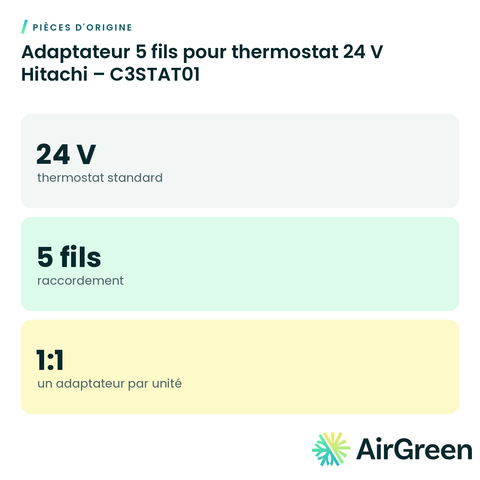 Hitachi 5-Wire Adapter for 24 V Thermostat – C3STAT01
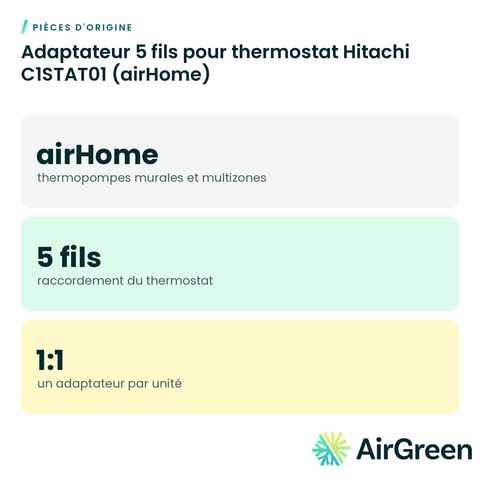 Hitachi C1STAT01 5-Wire Thermostat Adapter (airHome)
 Hitachi 5-Wire Thermostat, Wi-Fi and BACnet/Modbus Adapter – C4STAT01
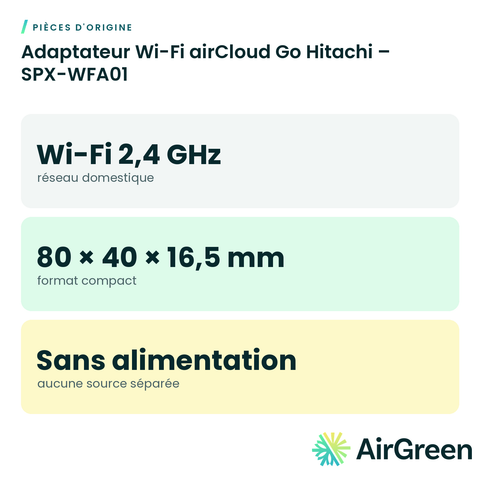 Hitachi airCloud Go Wi-Fi Adapter – SPX-WFA01
Original partsSee all
Frequently asked questions
Does it fit a single-zone outdoor unit?
Hitachi lists it for its RAM-G multi-zone outdoor units. For single-zone, ask us.
How is it different from the PSC-6RAD?
The SPX-RAMHLK goes on the multi-zone outdoor unit; the PSC-6RAD on an indoor unit.
Where are the installation instructions?
Hitachi’s airHome Multi technical guide, in the Documents section of this page, includes the H-Link board installation section.
Can you install it?
Yes. We fit the board, connect it to the network and commission it, everywhere in Greater Montréal.
Your airHome multi-zone, on the Hitachi network
Tell us the size and the quantity: we confirm availability and send you a quote. Or let our technicians install it for you.
Specifications from the manufacturer’s documentation, checked on October 7, 2026.