


Hitachi 5-Wire Thermostat, Wi-Fi and BACnet/Modbus Adapter – C4STAT01
Hitachi’s three-mode adapter: smart thermostat, Wi-Fi or building management system.
AirGreen codeAG-AC-026
514 316-2973 · sales@airgreen.ca
Quick facts
The C4STAT01 is a Hitachi adapter that combines three functions: an interface for a 5-wire thermostat, a Wi-Fi gateway and a BACnet/Modbus gateway. Hitachi presents it as a way to connect its VRF indoor units to a building management system or to a residential smart thermostat.
Three ways to control the unit
Smart thermostat mode
Each adapter connects to a single indoor unit and integrates it with a smart thermostat through the thermostat's dry-contact input. A range of popular thermostats can then control the unit, and the user keeps their thermostat's app or the Airzone Cloud app.
Wi-Fi mode
Each connected unit is controlled over the Wi-Fi network with the Airzone Cloud app, available on iOS and Android.
Building management mode
The configurable RS485 port communicates with a building management system over BACnet MS/TP or Modbus RTU. It is the solution for office buildings, stores and multi-unit residential buildings run from a central system.
What to plan for
- One adapter per indoor unit.
- The model number of each unit, to confirm compatibility.
- Coordination with the building's integrator for BACnet or Modbus mode.
Installed by AirGreen in Greater Montréal
We connect and configure the adapter in Montréal, Laval, Longueuil, on the South Shore and the North Shore. RBQ licence 5645-9605-01. For availability or a quote, call us at 514 316-2973 or email sales@airgreen.ca with the number of units and the mode you want.
One gateway, three uses
Hitachi presents the C4STAT01 as a multi-function adapter for its VRF indoor units.
- Control from a smart thermostat, through its dry contact input
- Remote Wi-Fi control with the Airzone Cloud app
- Connection to a building management system over BACnet MS/TP or Modbus RTU
- Commercial buildings, multi-unit residential and offices
Specifications
From the manufacturer’s documentation. A value the manufacturer does not publish is not listed.
What to know before installing
- One adapter per indoor unit: several units need several adapters.
- Hitachi presents it for its VRF indoor units: send us your model for confirmation.
- In thermostat mode, the link goes through the thermostat’s dry contact input.
- BACnet or Modbus integration needs coordination with the building integrator.
Manufacturer documents
You may also need
 Hitachi 5-Wire Adapter for 24 V Thermostat – C3STAT01
 Hitachi PSC-6RAD H-Link Adapter for airHome Indoor Unit
 Hitachi CIW04H Wired Remote for airCore
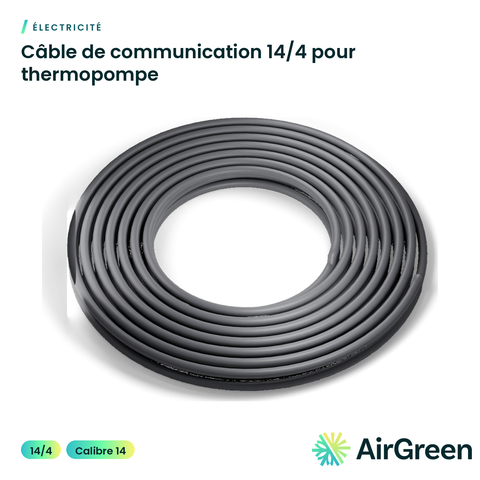 14/4 Communication Cable for Heat Pumps
 Fujitsu Leak Detection System Accessory – UTYSGZU
 GENERAL AIRSTAGE Leak Detection System Accessory – UTYSGZU
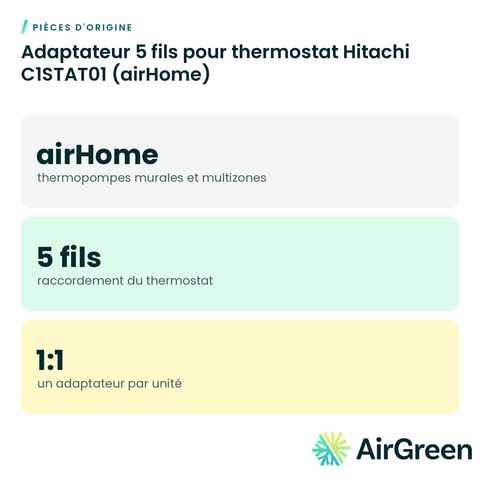 Hitachi C1STAT01 5-Wire Thermostat Adapter (airHome)
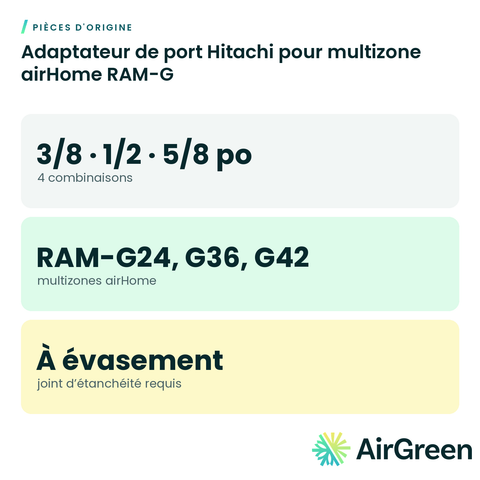 Hitachi Port Adapter for airHome RAM-G Multi-Zone
Original partsSee all
Frequently asked questions
How many units per adapter?
One. For several indoor units you need one adapter per unit, per Hitachi.
Which building management systems?
Those that talk BACnet MS/TP or Modbus RTU, through the adapter’s RS485 port.
Will it work with my unit?
Hitachi presents it for its VRF indoor units. Send us your unit model number and we confirm before ordering.
Can you install it?
Yes. We wire the adapter, set it to the mode you need and coordinate with your integrator if required, everywhere in Greater Montréal.
Connect your Hitachi unit to the rest of the building
Tell us the size and the quantity: we confirm availability and send you a quote. Or let our technicians install it for you.
Specifications from the manufacturer’s documentation, checked on October 7, 2026.