


LG Mobile LGMV Diagnostic Module – PLGMVW100
LG’s genuine service tool that shows a system’s operating data on a phone or tablet, in real time.
AirGreen codeAG-AC-127
514 316-2973 · sales@airgreen.ca
Quick facts
The LG PLGMVW100 module is the Mobile LGMV (LG Monitoring View) service tool: a Wi-Fi module that plugs into the outdoor unit and sends its operating data to a free app for Android and iOS phones and tablets. It replaces the laptop for commissioning and troubleshooting LG systems.
See what the system is doing, in real time
The app displays pressures, temperatures, sensor readings, compressor and fan frequency, valve positions, error codes, and the mode and settings of each indoor unit. The technician follows everything remotely, up to 32.8 ft in open space.
Contents and connection
- PLGMVW100 Wi-Fi module
- USB cable with Multi F connector
- Multi V extension cable, for the CN-JIG connector on Multi V units
Supported systems
LG's manual lists the Multi V IV, Multi V III, Multi V S, Multi V Mini, Multi F and Multi F MAX units. LG also lists it among the accessories for the Multi F MAX KUMXB481A. It is a technician's tool: to control your unit remotely, a Wi-Fi module or a controller with Wi-Fi is a better fit.
Available from AirGreen in Greater Montréal
Our technicians use LG diagnostic tools to commission and service systems in Montréal, Laval, Longueuil, on the South Shore and the North Shore. RBQ licence 5645-9605-01. For availability or a quote, call us at 514 316-2973 or email sales@airgreen.ca.
Diagnosing an LG system without a laptop
The module plugs into the outdoor unit and sends its data to the Mobile LGMV app over Wi-Fi.
- Commissioning an LG Multi F or Multi F MAX system
- Troubleshooting: error codes and real-time readings
- Tracking pressures, temperatures and compressor frequency
- Multi V IV, Multi V III, Multi V S and Multi V Mini systems
Specifications
From the manufacturer’s documentation. A value the manufacturer does not publish is not listed.
What to know before installing
- It is a service tool for technicians, not an occupant control.
- On a Multi V it plugs into the outdoor unit CN-JIG connector; on a Multi F, remove the Multi V extension cable.
- Install the Mobile LGMV app on the Android or iOS device before heading to site.
- Walls and obstacles reduce the range.
- PLGMVW100 Wi-Fi module
- USB cable with Multi F connector
- Multi V extension cable
Manufacturer documents
You may also need
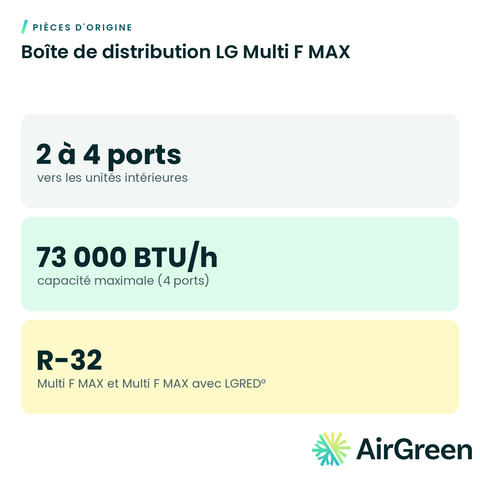 LG Multi F MAX Distribution Box
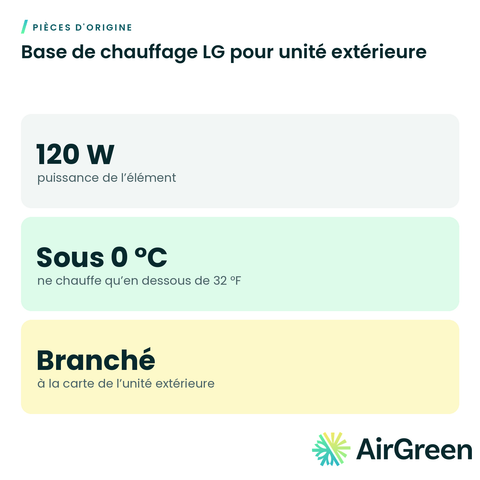 LG Base Pan Heater for Outdoor Unit
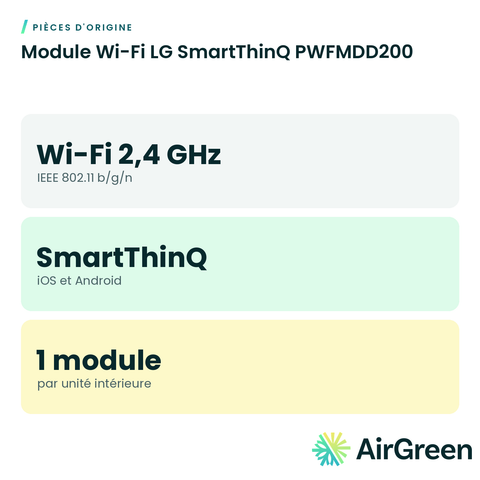 LG SmartThinQ Wi-Fi Module PWFMDD200
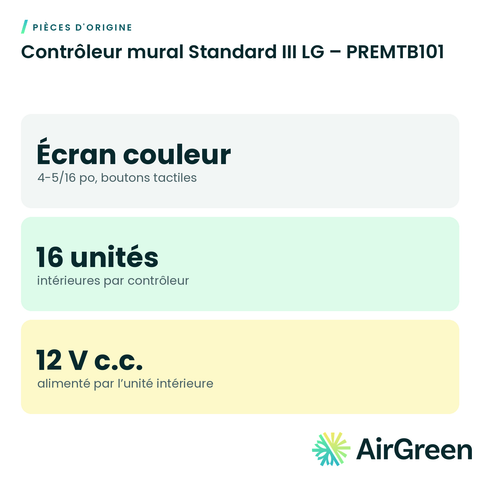 LG Standard III Wall Controller – PREMTB101
 Fujitsu Leak Detection System Accessory – UTYSGZU
 GENERAL AIRSTAGE Leak Detection System Accessory – UTYSGZU
 Hitachi 5-Wire Adapter for 24 V Thermostat – C3STAT01
 Hitachi C1STAT01 5-Wire Thermostat Adapter (airHome)
Original partsSee all
Frequently asked questions
Which LG systems does it work with?
LG’s manual lists Multi V IV, Multi V III, Multi V S, Multi V Mini, Multi F and Multi F MAX outdoor units. LG also lists it as an accessory for the Multi F MAX KUMXB481A. Send us your unit model and we confirm.
What data does it show?
Pressures, temperatures, sensor readings, compressor and fan frequency, valve positions, error codes and indoor unit status.
Is it useful for a homeowner?
It is meant for technicians. To control your unit remotely, choose a Wi-Fi module or a Wi-Fi controller instead.
Do you do diagnostics?
Yes. Our technicians diagnose and service LG systems everywhere in Greater Montréal.
Genuine LG diagnostics in your pocket
Tell us the size and the quantity: we confirm availability and send you a quote. Or let our technicians install it for you.
Specifications from the manufacturer’s documentation, checked on October 7, 2026.