


Fujitsu UTY-XWZXZ5 Dry Contact Kit (with Error Output)
Fujitsu’s most complete harness for wall-mount units: on/off or forced stop in, run status and error out.
AirGreen codeAG-AC-084
514 316-2973 · sales@airgreen.ca
Quick facts
The Fujitsu UTY-XWZXZ5 external connection kit connects a wall-mounted or floor Fujitsu AIRSTAGE heat pump to an external contact, a timer or a building management system. Compared with the UTY-XWZX harness, it adds an error output and lets the input be used as a forced stop.
Controlling and monitoring the unit from outside
The input (orange and yellow wires) accepts a dry contact and, depending on the setting, is used for on/off or forced stop. Two outputs report outward: operating status (blue and purple wires) and normal or error status (red and white wires). In a hotel, a rental building or a commercial space, the manager is alerted as soon as a unit goes into fault.
Manufacturer specifications
- Input: field-supplied dry contact, 24 V DC or higher, 10 mA minimum
- Outputs: 24 V DC maximum, from 10 to 500 mA
- Wiring: 10 m maximum between the board and the connected devices
Units listed by Fujitsu
In the R-32 H series, Fujitsu lists it for the Altair 500 (ASUH**KPAS), Orion XLTH (ASUH**KZAS) and Orion XLTH+ wall units, as well as for AGUH**KUAS floor units. Cassettes and ducted units use the UTY-XWZXZG.
Installed by AirGreen in Greater Montréal
Our technicians connect the kit, set the input and wire the outputs to your system in Montréal, Laval, Longueuil, on the South Shore and on the North Shore. RBQ licence 5645-9605-01. For availability or a quote, call us at 514 316-2973 or email sales@airgreen.ca.
Monitor the heat pump as well as control it
The UTY-XWZXZ5 adds an error output, so a building system knows right away when the unit is in fault.
- Connection to a building management system or controller
- Forced stop by a safety, window or key-card contact
- Remote alarm when the unit reports an error
- Rental buildings, hotels and shops that monitor several units
Specifications
From the manufacturer’s documentation. A value the manufacturer does not publish is not listed.
What to know before installing
- The input is driven only by a field-supplied dry (voltage-free) contact.
- Connected devices must be within 10 m of the unit’s board.
- Output load: 24 V DC max, 10 to 500 mA.
- On/off or forced stop is chosen in the unit’s settings: a technician handles it.
You may also need
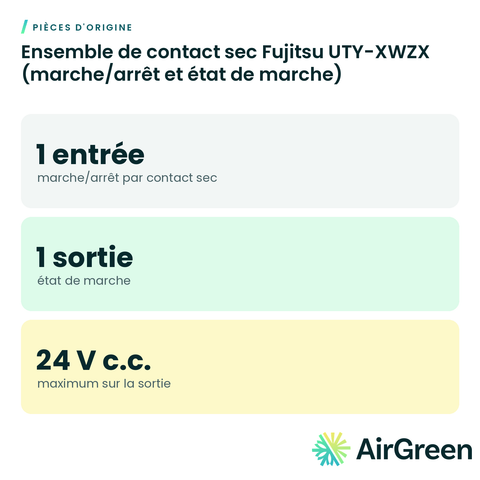 Fujitsu UTY-XWZX Dry Contact Kit (On/Off and Run Status)
 Fujitsu UTY-XCSXZ2 External Input and Output Board for Wall Unit
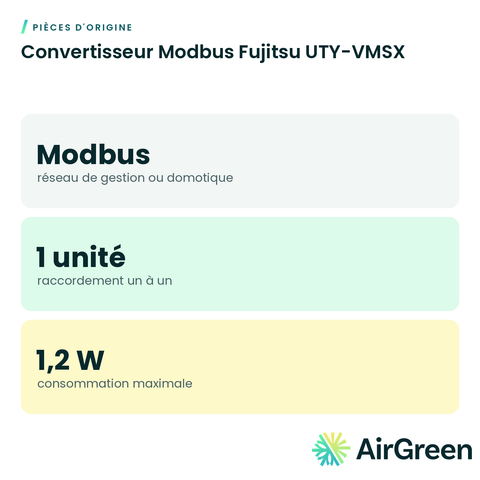 Fujitsu UTY-VMSX Modbus Converter
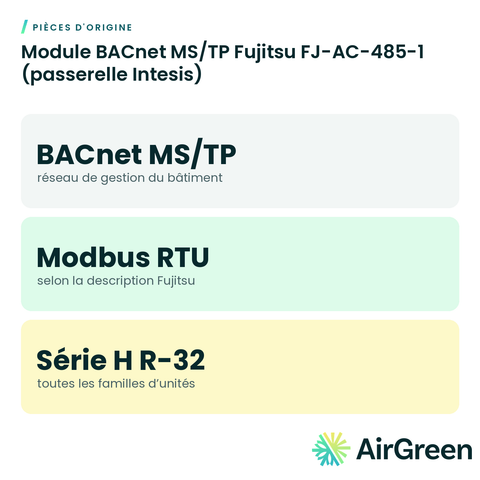 Fujitsu FJ-AC-485-1 BACnet MS/TP Module (Intesis Gateway)
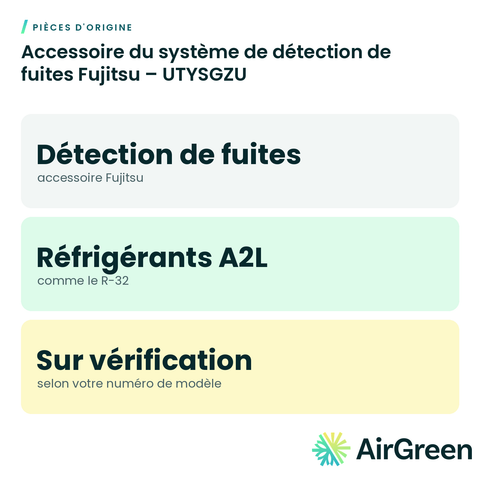 Fujitsu Leak Detection System Accessory – UTYSGZU
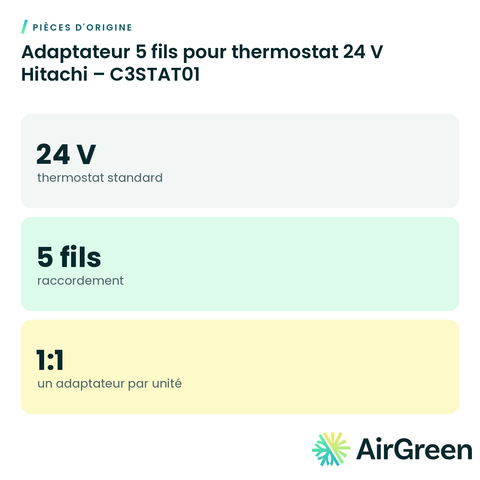 Hitachi 5-Wire Adapter for 24 V Thermostat – C3STAT01
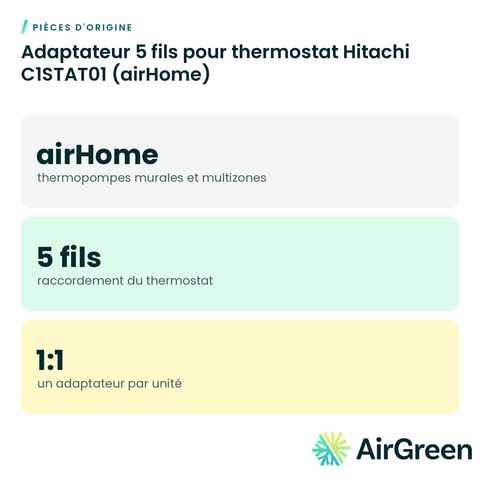 Hitachi C1STAT01 5-Wire Thermostat Adapter (airHome)
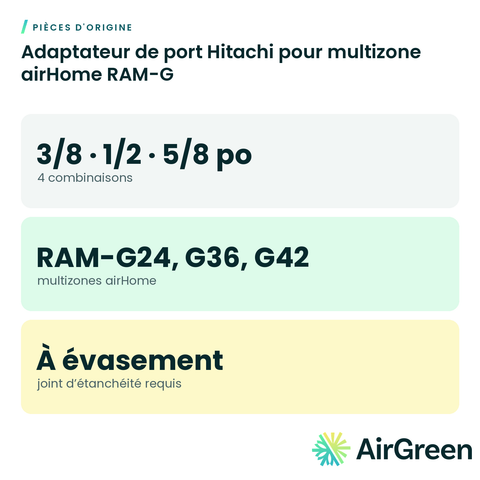 Hitachi Port Adapter for airHome RAM-G Multi-Zone
Original partsSee all
Frequently asked questions
Is my Fujitsu unit compatible?
Fujitsu lists the UTY-XWZXZ5 for its Altair 500 (ASUH**KPAS), Orion XLTH (ASUH**KZAS) and Orion XLTH+ wall-mount units and its AGUH**KUAS floor units. Send us your indoor unit’s model number and we confirm.
UTY-XWZX or UTY-XWZXZ5?
Choose the UTY-XWZXZ5 if you want an error output or a forced stop. For simple on/off with status feedback, the UTY-XWZX is enough.
What does forced stop mean?
While the contact is active the unit stays off, even if someone tries to start it with the remote. Useful with a window contact or a safety device.
Can you install it?
Yes. Our technicians connect it to the unit, set the input mode and wire the outputs to your system, everywhere in Greater Montréal.
Control and monitoring for your Fujitsu heat pump
Tell us the size and the quantity: we confirm availability and send you a quote. Or let our technicians install it for you.
Specifications from the manufacturer’s documentation, checked on October 7, 2026.