


Samsung External Contact Interface Module – MIM-B14U
Samsung’s genuine module that turns an indoor unit on or off from a dry contact and reports its operation and error status.
AirGreen codeAG-AC-132
514 316-2973 · sales@airgreen.ca
Quick facts
The Samsung MIM-B14U external contact interface module is a small OEM board that plugs into the indoor unit board. It lets you turn the unit on or off with a dry contact and sends back two signals: operation status and error status. Samsung describes it as a way to control the unit directly with external contact signals.
Making the unit work with the rest of the building
A window contact can stop the unit when the window opens, a switch or a timer can control it, and a building management system can read its operation and alarm signals. On Hylex™ systems, Samsung lists the MIM-B14U for manually activating the outdoor unit’s quiet night mode or for outputting the indoor unit’s operation and error signals.
Wiring
- On / off input: terminals 5 and 6, dry contact only
- Operation output: terminals 3 and 4; error output: terminals 1 and 2
- Indoor unit connectors: CN83 (EXT_CTRL) and CN81
- Supplied: board, housing, wire harnesses and 2 screws
Controlling an external heater
Samsung allows the module to be used to control an external heater, but its contact acts only as a switch: the load must never be connected to it directly. Wiring is done with the unit powered off, by a qualified technician.
Installed by AirGreen across Greater Montréal
We install the module and connect it to your equipment in Montréal, Laval, Longueuil, the South Shore and the North Shore. RBQ licence 5645-9605-01. For availability or a quote, call us at 514 316-2973 or email sales@airgreen.ca with the indoor unit model and the intended use.
Linking a Samsung unit to other equipment
The MIM-B14U lets a switch, a timer or a building system control the indoor unit through a simple contact.
- Shutting the unit off when a window or door opens, through a contact
- Emergency control through a simple contact input
- Operation and alarm signals to a building management system
- On Hylex™ systems: outdoor night quiet mode or operation and error outputs
Specifications
From the manufacturer’s documentation. A value the manufacturer does not publish is not listed.
What to know before installing
- Input 5-6 takes only a dry contact, with no voltage source.
- To control an external heater, use the module contact as a switch only: never power the load directly through it.
- Check that your indoor unit board has the EXT_CTRL connector.
- Wiring must be done by a qualified technician with the unit powered off.
- External controller board
- Board case
- Wire harnesses
- 2 screws
Manufacturer documents
You may also need
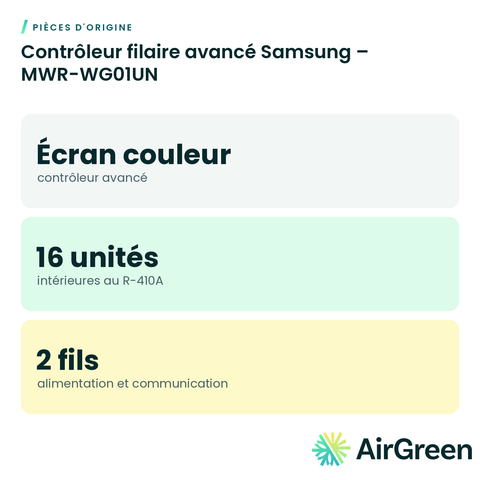 Samsung Advanced Wired Controller – MWR-WG01UN
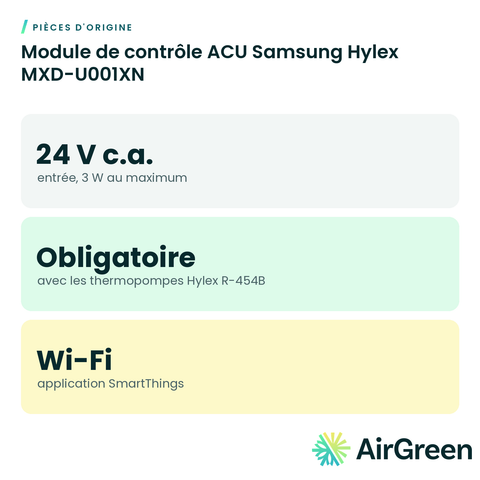 Samsung Hylex ACU Control Module MXD-U001XN
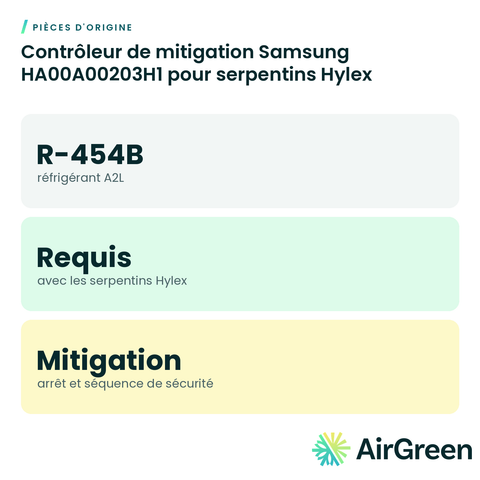 Samsung HA00A00203H1 Mitigation Controller for Hylex Coils
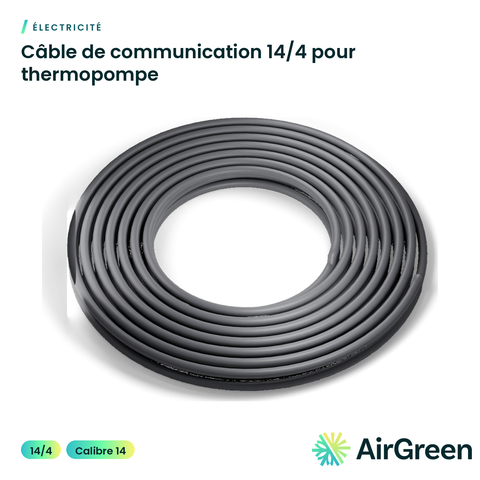 14/4 Communication Cable for Heat Pumps
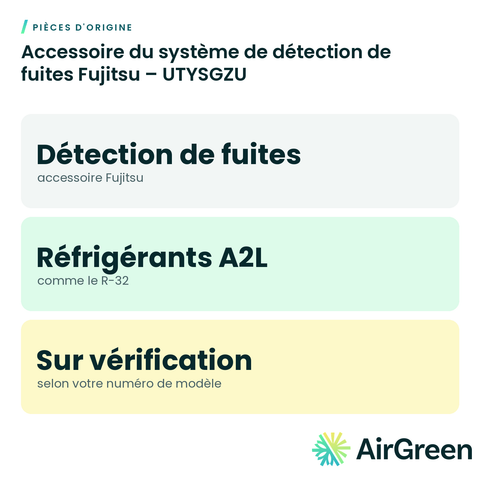 Fujitsu Leak Detection System Accessory – UTYSGZU
 GENERAL AIRSTAGE Leak Detection System Accessory – UTYSGZU
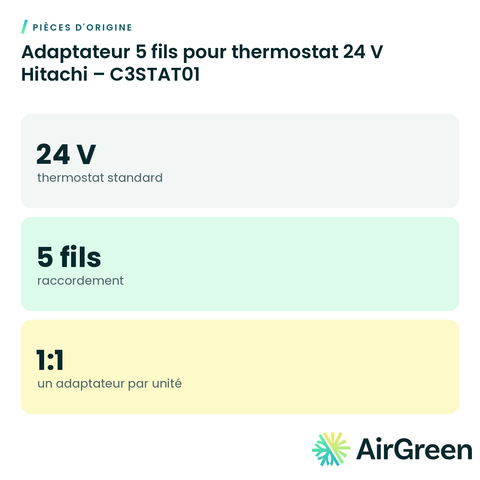 Hitachi 5-Wire Adapter for 24 V Thermostat – C3STAT01
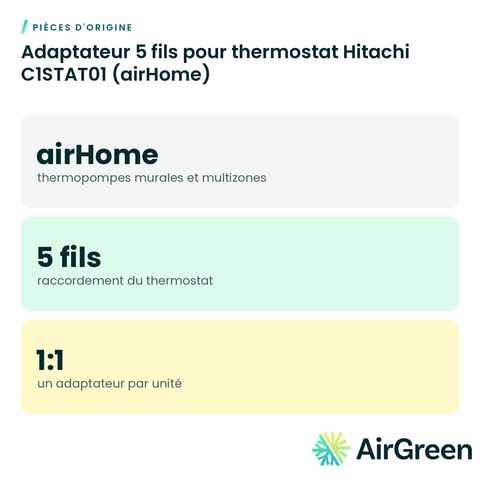 Hitachi C1STAT01 5-Wire Thermostat Adapter (airHome)
Original partsSee all
Frequently asked questions
Is my Samsung unit compatible?
The module plugs into Samsung indoor units with the EXT_CTRL connector; Samsung also lists it as an option for Hylex air handlers. Send us the model number and we confirm.
Can it stop the heat pump when a window is open?
Yes. Samsung provides window-status control of the unit through a dry contact wired to the module input.
Can it control backup heat?
Samsung allows it to act as a switch for an external heater, never with the load wired directly to the module contact.
Can you install it?
Yes. We install it in the unit and wire it to your equipment, everywhere in Greater Montréal.
Link your Samsung unit to your other equipment
Tell us the size and the quantity: we confirm availability and send you a quote. Or let our technicians install it for you.
Specifications from the manufacturer’s documentation, checked on October 7, 2026.